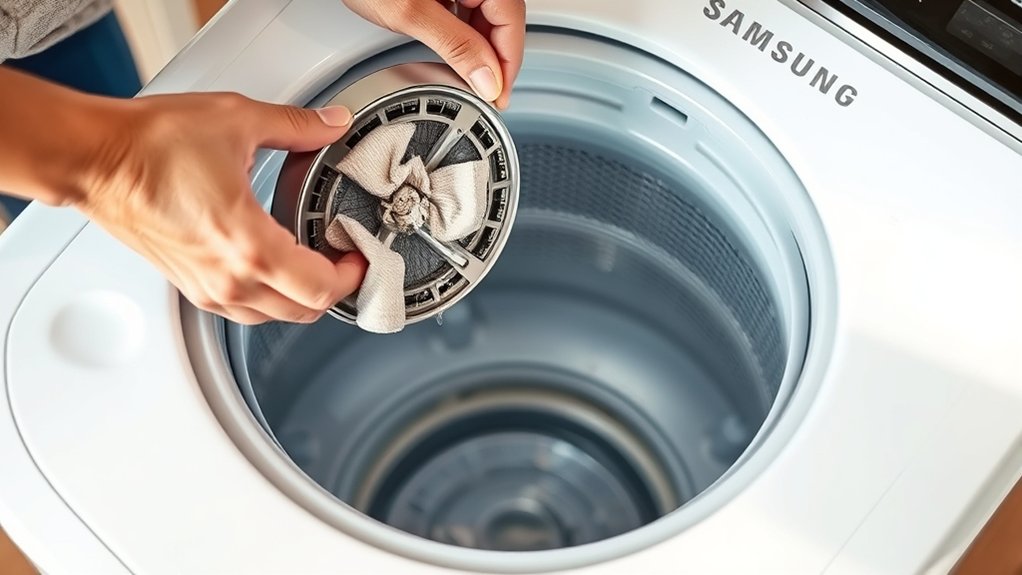
How To Clean Samsung Washing Machine Filter Top Loader – Step Guide
To clean your Samsung top-loader washing machine filter, first unplug the washer and turn off the water. Disconnect the inlet hose at the back, then remove and rinse the inlet filter with water and a soft brush to clear debris.
Next, reinstall the filter securely, reconnect the hose tightly, and restore the water supply. Test the washer for leaks and proper filling. Regular cleaning prevents blockages and errors.
If you want, explore further for tips on cleaning the pump, mesh, lint filters, and troubleshooting. It’s a good way to keep your machine running smoothly.
Unplug and Prep Your Samsung Top-Loader Washer
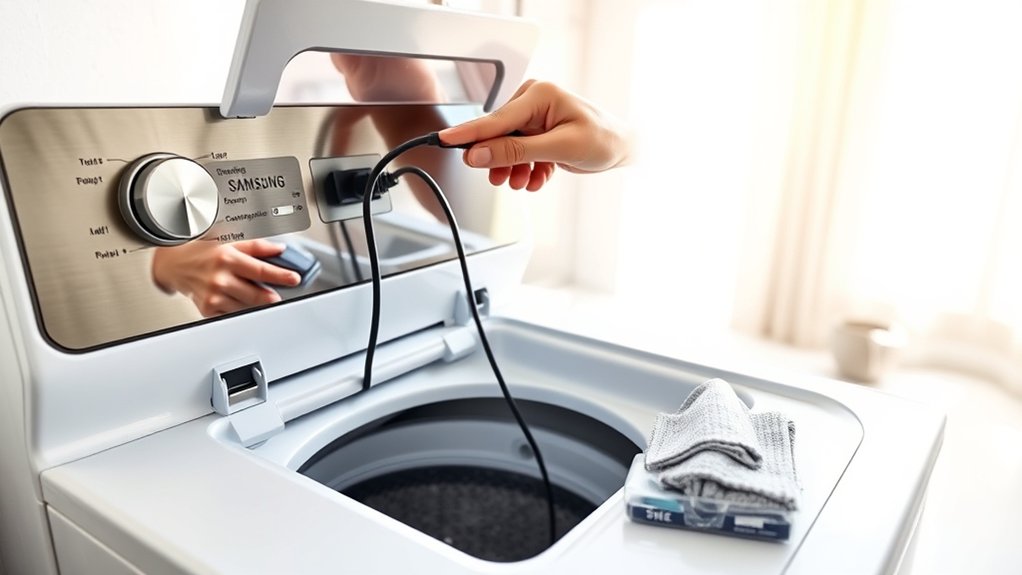
Before you begin cleaning your Samsung top-loader washer’s filter, make sure you unplug the machine to eliminate any risk of electric shock. Safety is paramount, so always unplug your Samsung top-loader washer before starting maintenance.
Next, prepare a clean cloth or towel to catch any water that might spill during the filter cleaning process. Gather the necessary tools, including a soft brush and pliers, to help remove and clean the filters effectively.
Make sure you have clear access to the pump filter and mesh filter locations to avoid unnecessary strain or damage. It’s also a good idea to set up a suitable workspace around the washer to prevent water damage or losing your tools.
Proper preparation really sets the foundation for a smooth, efficient filter cleaning process. Taking these steps will make everything easier and safer for you.
Find and Disconnect Samsung Washer Inlet Hose
First, find the inlet hose at the back of your Samsung top-loader—that’s where the water supply connects.
Before you do anything, make sure to turn off the water supply to prevent any leaks.
Once that’s done, go ahead and twist the hose counterclockwise to loosen it, then carefully pull it off the washer.
Locate Inlet Hose
When locating the inlet hose on your Samsung top loader washing machine, focus on the back panel where the water supply connects. The inlet hose is attached here, allowing water to flow into the machine.
Before proceeding, make sure the washer is turned off and unplugged for safety.
Visually inspect the inlet hose for any twists, kinks, or blockages that could restrict water flow. Cleaning the hose at this stage helps maintain peak performance.
Use pliers if the hose connector is tight, but don’t force it yet. That’s for disconnecting later.
By carefully locating and inspecting the inlet hose, you prepare the washer for effective cleaning and maintenance. Proper attention here prevents water supply issues and prolongs the life of your Samsung washing machine.
Taking these steps might seem small, but they really make a difference in how well your washer works.
Disconnect Hose Safely
To disconnect the inlet hose safely, first confirm your Samsung washing machine is turned off and unplugged.
Locate the inlet hose at the back of your Top Load Washing machine, where it connects the water supply to the washer.
If the hose is difficult to remove by hand, use pliers to pull and grip it firmly. Rotate the hose anticlockwise to detach it securely from the water inlet.
While disconnecting, inspect the hose for twists, kinks, or blockages that could affect water flow.
Removing the hose carefully helps prevent damage to both the hose and inlet valve.
After cleaning or inspection, reconnect the hose by twisting it clockwise.
Finally, verify the water supply tap is fully open before testing the washer’s operation.
Remove and Clean the Inlet Filter
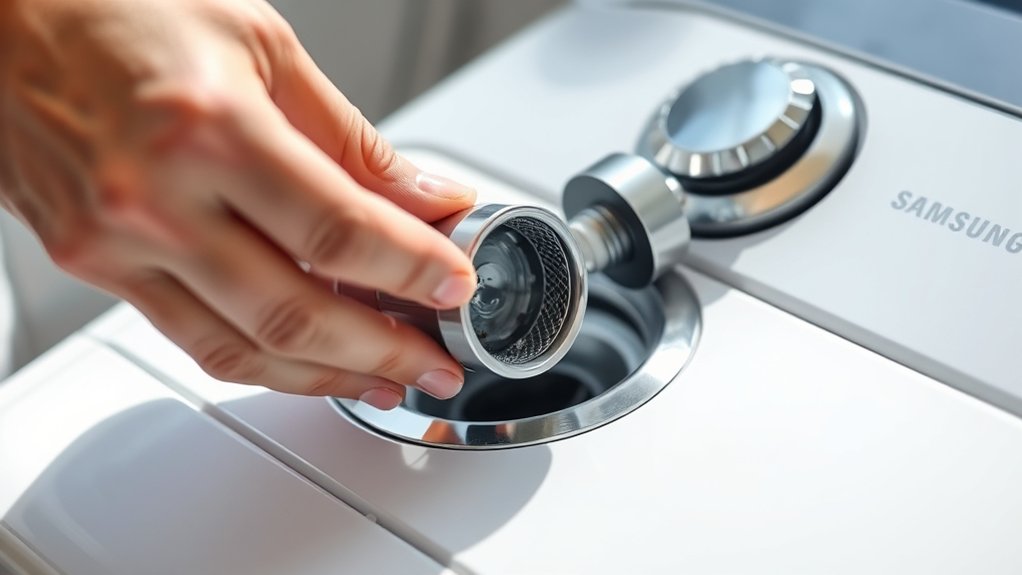
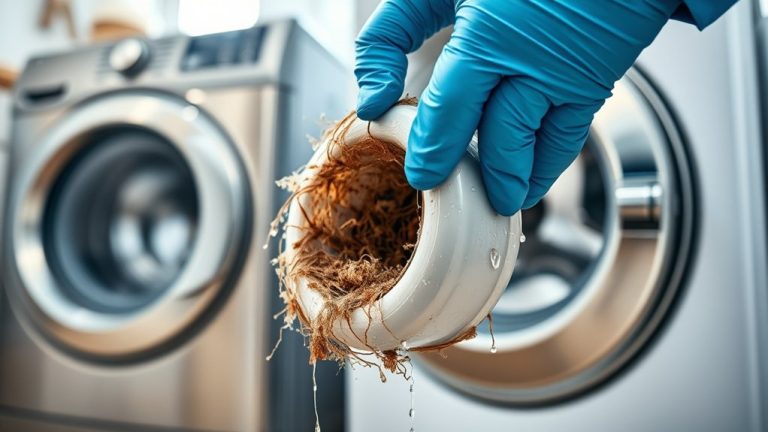
Turn off the water supply and disconnect the inlet hose by twisting it counterclockwise to access the inlet filter. If the filter is stuck, use pliers carefully to pull it out from the water inlet. Rinse the inlet filter under running water and use a soft brush for thorough cleaning, removing debris and blockages that hinder water flow.
Regular cleaning every 15 days helps keep your washing machine performing at its best. It’s a simple step that can make a big difference.
| Step | Action |
|---|---|
| 1 | Turn off water and disconnect hose |
| 2 | Remove inlet filter with pliers |
| 3 | Clean filter with soft brush |
After cleaning, keep the filter ready for reinsertion to avoid leaks and maintain effectiveness. Just make sure it’s properly in place before you reconnect everything.
Reinstall the Inlet Filter and Reconnect the Hose
Once you’ve cleaned the inlet filter, go ahead and rotate it clockwise to lock it securely in place.
Make sure it’s snug so it won’t come loose later.
Next, reconnect the inlet hose.
Just align it properly and turn it anti-clockwise until it feels tight.
You want to make sure it’s connected firmly to avoid any leaks.
Finally, turn the water supply back on and start the washer.
Keep an eye out for any leaks and check that everything is working as it should.
Secure Hose Connection
Start by securely reinserting the cleaned inlet filter to prevent water leaks during operation. Next, reconnect the inlet hose by rotating it clockwise until firmly attached. Ensuring a secure hose connection is critical for the washing machine’s ideal performance and to avoid water damage.
After reconnection, visually inspect the hose and filter for tightness. Regular checks post-Tub Clean help maintain system integrity.
| Step | Action |
|---|---|
| 1 | Reinsert inlet filter securely |
| 2 | Rotate inlet hose clockwise |
| 3 | Inspect hose connection |
| 4 | Monitor for leaks during use |
Following these steps guarantees your washing machine’s efficient operation and water-tight connections. It really helps keep everything running smoothly!
Turn On Water
After securely reinserting and locking the inlet filter by rotating it clockwise, reconnect the inlet hose by twisting it firmly until it’s tight.
Verify the connection is snug to prevent leaks when water runs through the system.
Next, turn on the water tap to restore the running water supply to your washing machine.
Check that water flows steadily through the inlet without any drips or signs of leakage around the hose or filter connection.
Properly reestablishing the water supply is essential for your washing machine’s best performance.
Avoid overtightening the hose to prevent damage, but make sure it’s secure enough to handle water pressure.
Now, your washing machine’s inlet system is ready.
This means water can enter the machine efficiently during washing cycles.
Test Washer Functionality
Securely reinsert the cleaned inlet filter by turning it clockwise until it locks in place. This guarantees a tight seal to prevent leaks.
Next, reconnect the inlet hose by rotating it clockwise, making sure to avoid twists or kinks that could cause water flow issues.
Turn on the water tap to restore supply before proceeding.
Then, press the washing machine’s start button to verify proper filling and operation. Keep an eye on the washer during this test cycle to catch any irregularities or malfunctions early on.
Following these washer operation tips helps you maintain peak performance and prevents future water flow problems.
Try to make this step part of your regular maintenance routine. That way, you’ll keep your Samsung top loader running efficiently and extend its service life.
Turn On Water and Test the Washer
Reconnect the inlet hose and turn on the water tap before pressing the start button to test your washer’s functionality.
Monitor the washer during the initial fill, checking for any unusual noises that may indicate water pressure issues or mechanical problems.
Perform flow rate checks by observing the water entering the drum; slow filling suggests a blockage or kink in the inlet hose.
Listen carefully for abnormal sounds as part of washer noise troubleshooting to detect potential faults early.
Watch for leaks around connections and verify the water flows smoothly.
Throughout the cycle, confirm the washer operates effectively without error codes.
If errors appear, consult the user manual immediately to resolve issues.
This step guarantees your Samsung washer functions efficiently after filter cleaning.
When and How Often to Clean Your Samsung Washer Filter
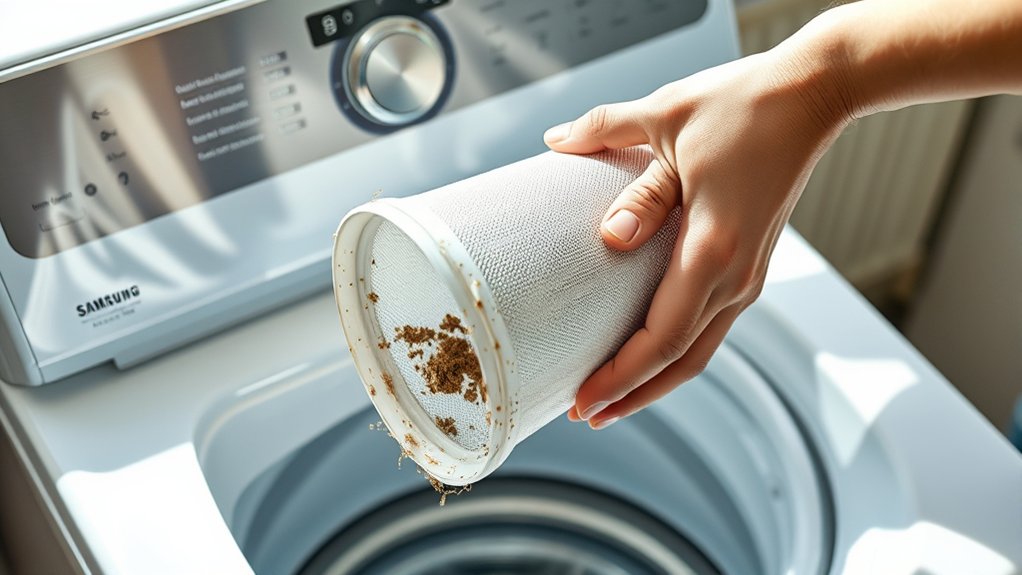
Although your Samsung washing machine filter may seem durable, cleaning it every 15 days is crucial to prevent blockages that reduce water flow and impair performance.
Following these cleaning frequency guidelines helps maintain peak washer performance indicators, such as proper water filling and error-free operation.
Incorporate regular filter maintenance tips by scheduling biweekly cleanings, guaranteeing debris and lint don’t accumulate.
Neglecting this routine can cause slow filling or trigger error codes, signaling immediate filter attention.
After cleaning, always securely reinsert the filter to avoid leaks and preserve functionality.
Adhering to these cleaning frequency guidelines and filter maintenance tips guarantees your Samsung washer operates efficiently and extends its lifespan while minimizing costly repairs.
Signs Your Samsung Washer Filter Needs Cleaning
How can you tell when your Samsung washer filter needs cleaning? Monitor these signs closely to maintain washing machine efficiency and apply effective filter maintenance tips. Common clog solutions often target these issues promptly.
| Sign | Cause | Action Required |
|---|---|---|
| Reduced water flow | Clogged filter | Clean filter immediately |
| Error codes (“forcy”/”fury”) | Filter blockage | Check and clear filter |
| Washer not filling water | Dirty inlet filter | Perform filter cleaning |
| Blinking ECO TUB CLEAN LED | Filter inefficiency | Clean filter to restore efficiency |
| Unusual noises | Blocked filter | Inspect and clean filter |
Keep an eye out for these symptoms regularly. Doing so will help guarantee peak performance and prevent damage by cleaning the filter on time. It’s a simple step that goes a long way in keeping your washer running smoothly.
Clean Samsung Washer’s Pump, Mesh, and Lint Filters
Start by removing the pump filter. Just place a cloth underneath to catch any water, turn the knob anticlockwise, rinse it thoroughly, and then reinstall it securely.
Next, take care of the mesh filter. You’ll want to disconnect the inlet hose first, then use pliers to extract the filter. Clean it gently with water and a soft brush before putting it back in tightly.
Finally, deal with the lint filter. Press down on the lint filter case to remove it, give it a good clean, and replace it until you hear a click.
Doing these steps every 15 days will help keep your washer running at its best.
Pump Filter Cleaning
One essential step in maintaining your Samsung washing machine is cleaning the pump filter, which includes the pump, mesh, and lint filters.
For effective pump filter maintenance, place a towel underneath to catch any water spills. Turn the filter knob anticlockwise and pull it out gently.
Rinse the filter under running water, using a soft brush to remove debris and buildup that cause common issues like drainage blockages and water flow problems.
Clean the filter regularly, ideally every 1 to 3 months depending on usage, to guarantee peak performance.
After cleaning, reinstall the filter by turning it clockwise until it clicks, confirming it’s securely locked.
Following this cleaning frequency helps prevent malfunctions and extends your washer’s lifespan by maintaining proper drainage and avoiding costly repairs.
Mesh And Lint Maintenance
Maintaining three key filters: the pump, mesh, and lint is essential for your Samsung washer’s efficiency and longevity.
For lint buildup prevention, regularly press down on the lint filter case’s upper area to release it. Then rinse it under running water.
To remove the mesh filter, first turn off the water supply and disconnect the hose. Use pliers to extract and clean the mesh filter thoroughly.
As for cleaning frequency, clean the inlet filter every 15 days to keep water flowing well and prevent slow filling.
When cleaning the pump filter, place a cloth underneath and turn the knob anticlockwise to remove it. Clean it with water and a soft brush, then securely reinsert it by turning clockwise.
Always make sure all filters are firmly in place.
After maintenance, check the drainage and water supply to ensure everything works properly.
How to Use the Eco Tub Clean Reminder
Although the Eco Tub Clean reminder activates every 1 to 3 months based on your washing cycle count, you can still run normal cycles while it’s blinking. This reminder signals the need to run the Eco Tub Clean cycle, which delivers essential Eco Tub Benefits by preventing odor and residue buildup.
To maintain your washing machine’s performance, follow these maintenance tips: initiate the Eco Tub Clean cycle promptly once the LED blinks. This cleaning schedule guarantees a hygienic tub and peak operation.
The reminder remains active for up to six consecutive cycles, encouraging timely maintenance without disrupting usage. Incorporating this routine into your maintenance schedule maximizes efficiency and prolongs machine lifespan, so stick to the Eco Tub Clean reminder for the best results.
It’s a simple step that goes a long way in keeping your machine running smoothly!
Troubleshooting Common Samsung Washer Filter Issues
When you notice your Samsung washer isn’t filling with water or displays error codes like “forcy” or “fury,” the issue often lies in clogged filters. Regular filter maintenance tips include cleaning the inlet filter every 15 days to prevent water flow issues and inspecting the pump filter for proper drainage.
Also, check the inlet hose for blockages or kinks that may affect water intake. After cleaning, always reconnect hoses securely and test the washer’s operation. This way, you can keep your washer running smoothly without any hiccups.
| Issue | Solution |
|---|---|
| Washer not filling | Clean inlet filter, check hose |
| Error codes “forcy” | Clear clogged inlet filter |
| Water flow slow | Inspect and clean pump filter |
| Water accumulation | Confirm pump filter is clean |
Frequently Asked Questions
Can I Use Vinegar to Clean the Washing Machine Filter?
Yes, you can use vinegar for cleaning the filter in your washing machine.
Vinegar helps dissolve mineral deposits and detergent residues, which can improve how well the filter works.
Just be sure to dilute the vinegar with water to protect any rubber parts. Using about one cup during a cleaning cycle usually does the trick.
For regular maintenance, try this method often to keep lint from building up and to help your machine drain better.
After cleaning, always rinse the filter well to avoid any leftover vinegar smell in your machine.
Does Cleaning the Filter Improve Washing Machine Efficiency?
Yes, cleaning the filter directly improves your washing machine’s efficiency by preventing blockages that restrict water flow.
This maintenance tip guarantees ideal drainage and reduces strain on the motor, leading to a noticeable performance boost.
Regular filter cleaning also promotes energy savings by allowing the machine to operate smoothly without overworking components.
By following this simple step, you extend your machine’s lifespan and maintain consistent washing results.
It’s a small task that really pays off in the long run.
Are There Special Tools Needed for Filter Maintenance?
You don’t need special tools for filter maintenance. Just a soft brush, running water, and possibly pliers if the mesh filter sticks.
Follow filter maintenance tips by cleaning filters regularly, about every few months, to avoid common issues like clogs and leaks.
Use a towel to catch spills when removing the pump filter.
Always verify filters are securely reinserted to maintain efficiency and prevent water damage during operation.
It’s pretty simple once you get the hang of it!
Can a Clogged Filter Cause Bad Odors in the Washer?
Yes, a clogged filter can cause washing machine smells by trapping moisture and debris, which leads to bacterial growth.
To prevent this, make sure to regularly clean lint and pump filters. This helps improve water flow and reduces odors.
You can also try odor removal methods like running the Eco Tub Clean cycle after clearing any blockages.
Taking care of your filter promptly ensures effective drainage and keeps your washer smelling fresh and hygienic.
Is It Safe to Clean the Filter Without Unplugging the Machine?
You might think it’s harmless to clean the filter without unplugging your machine, but it’s risky. For effective filter maintenance tips and washing machine care, always prioritize safety precautions. Unplug the washer first to avoid electrical shock or damage.
If unplugging isn’t possible, make certain your hands are dry and avoid touching metal parts.
Following these steps keeps your machine safe and running smoothly during every filter cleaning session. It’s a simple way to protect yourself and your appliance while doing basic upkeep.
Conclusion
Cleaning your Samsung top-loader washing machine filter isn’t just maintenance. It’s a necessity to keep your washer running smoothly and efficiently. Like the heart of your machine, the filter guarantees water flows freely, preventing clogs and damage.
By regularly following these steps, you’ll extend your washer’s lifespan and avoid costly repairs. Don’t wait for problems to flood in. Take control now and keep your laundry routine hassle-free and effective.