How To Clean Samsung Washing Machine Drum – Guide
To clean your Samsung washing machine drum, run the Drum Clean cycle with an empty drum. Just select the cycle on the control panel and let it reach 70°C for effective cleaning.
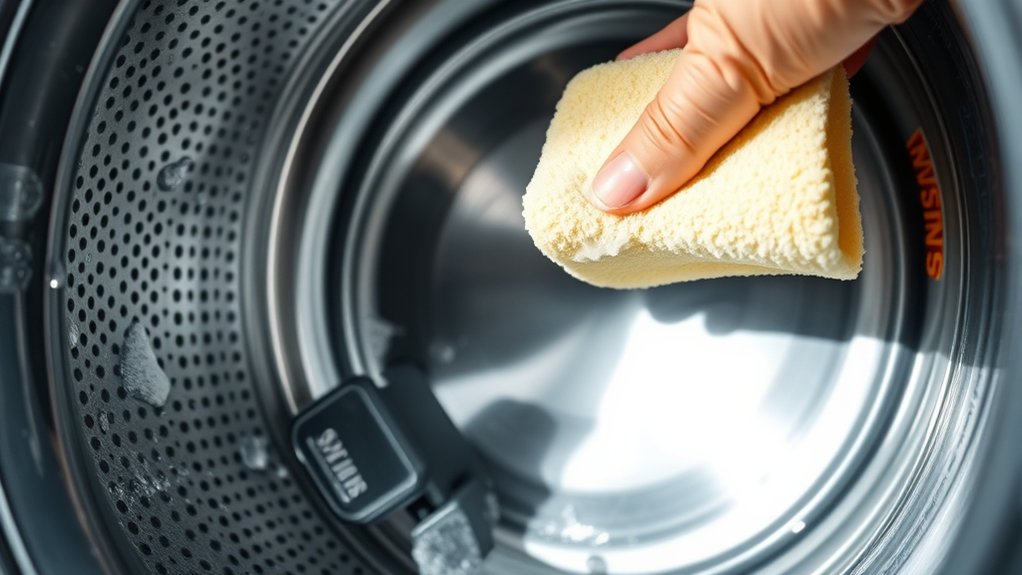
Make it a habit to regularly wipe the door seal and detergent drawer. Also, don’t forget to remove and clean the pump filter and drain hose.
After each wash, keep the washer door open to prevent mold and odors. Proper upkeep like this prevents buildup and helps extend your appliance’s life.
For detailed steps and maintenance tips, keep exploring the guide!
How To Start The Drum Cleaning Cycle On Your Samsung Washer
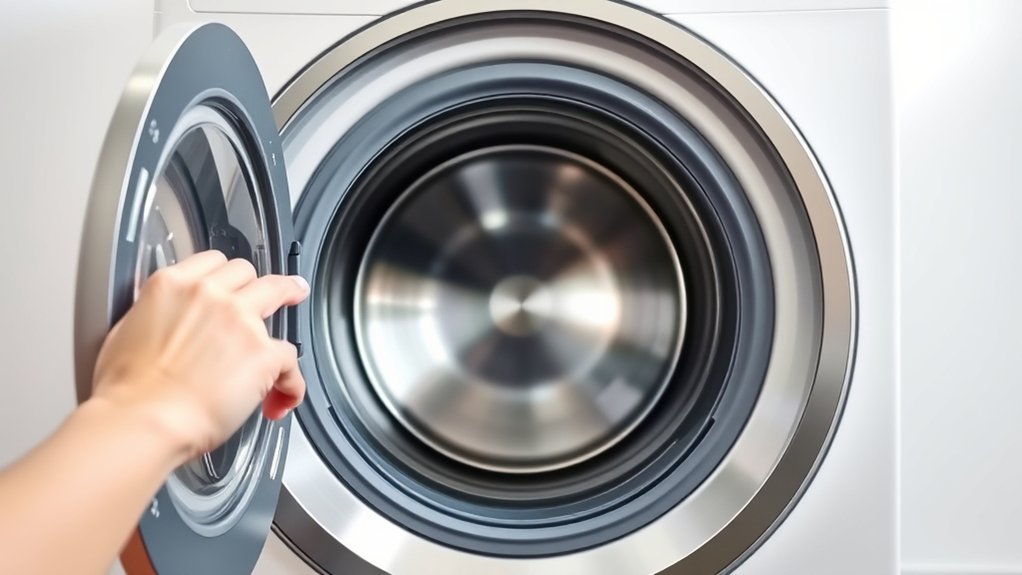
Before starting the drum cleaning cycle on your Samsung washer, make sure the drum is completely empty.
Turn on your Samsung washer and access the control panel. Navigate to the Drum Clean or Tub Clean cycle selection option.
Power on your Samsung washer, then use the control panel to select the Drum Clean or Tub Clean cycle.
This cycle is specifically designed for cleaning the drum without adding detergent or cleaning agents unless otherwise specified.
Once you’ve selected the drum clean cycle, press the start button to initiate the cleaning process.
The cycle heats water to a fixed temperature of 70°C, guaranteeing effective removal of residues inside the drum.
Allow the entire cycle to complete without interruption. Follow any additional prompts the washer may display after the cycle finishes.
This precise procedure ensures that the drum clean cycle runs efficiently and maintains your washer’s performance.
Why Regular Drum Cleaning Keeps Your Washer Fresh And Efficient
Completing the drum cleaning cycle regularly helps you maintain a hygienic environment inside your Samsung washer. Drum cleaning prevents the buildup of mold, bacteria, and detergent residues that cause unpleasant odors and compromise hygiene.
By eliminating these contaminants, you guarantee the washer’s interior remains clean and safe for every load.
Routine maintenance through drum cleaning also optimizes your machine’s performance by reducing clogging risks and mechanical wear. This process enhances water flow and detergent effectiveness, contributing to consistently efficient wash cycles.
Additionally, regular cleaning extends the appliance lifespan by minimizing corrosion and component stress caused by buildup.
Adhering to scheduled drum cleaning preserves your washer’s functionality, keeps it fresh, and reduces the likelihood of malfunctions, ensuring reliable operation over time.
How To Prepare Your Washer Before Running The Drum Clean Cycle
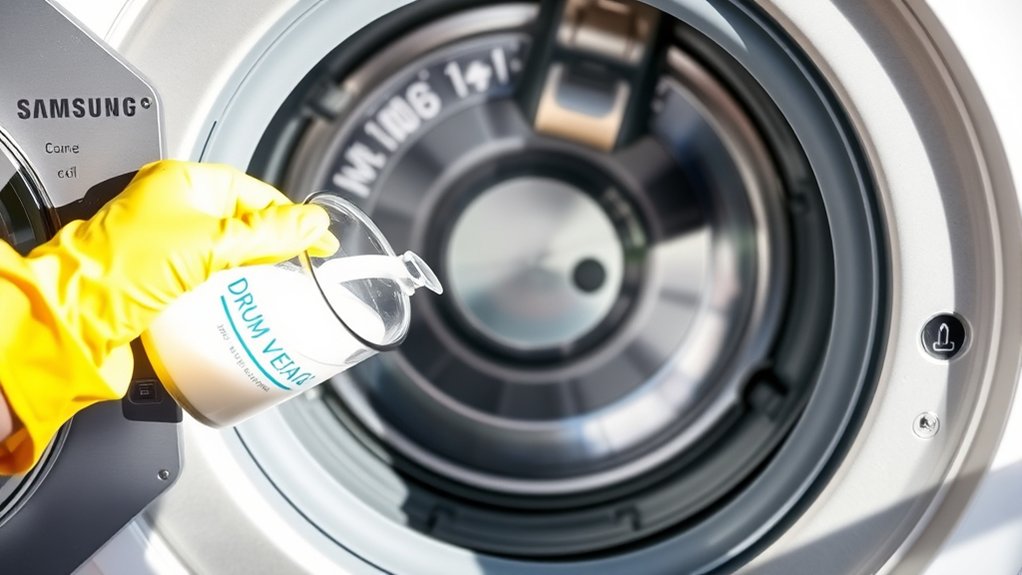
How do you guarantee your Samsung washer is properly set up for the Drum Clean cycle? First, make sure the drum is completely empty. Remove all laundry and foreign objects. Inspect the drum carefully and clear out any debris or residue that could interfere with cleaning.
Next, check the washer door and the door seal for any trapped foreign objects. This prevents damage and ensures a tight seal. Confirm the door is properly closed to secure the drum during the cycle.
Verify the water supply is fully turned on and the washer is plugged into a functioning outlet.
Finally, select the Drum Clean(+)/Tub Clean cycle on the control panel. These steps prepare your washer ideally for an effective and thorough drum cleaning.
How To Clean The Door Seal And Rubber Gasket To Prevent Mold
Although the drum is the main focus during cleaning, you shouldn’t overlook the door seal and rubber gasket, as they can harbor mold and debris. Begin by inspecting the rubber seal and door gasket for foreign objects or buildup. Use a soft brush or damp cloth to thoroughly clean all folds and crevices.
For effective mold prevention, disinfect the gasket with a solution of liquid chlorine bleach and warm water, applying carefully. After cleaning, use a dry cloth to remove moisture, minimizing water retention that promotes mold growth.
Finally, leave the washing machine door open to allow the rubber gasket to air dry completely. Regular attention to the door seal and rubber gasket complements drum cleaning, ensuring overall hygiene and preventing mold development.
How To Clean The Detergent Drawer And Dispensers For Drum Maintenance
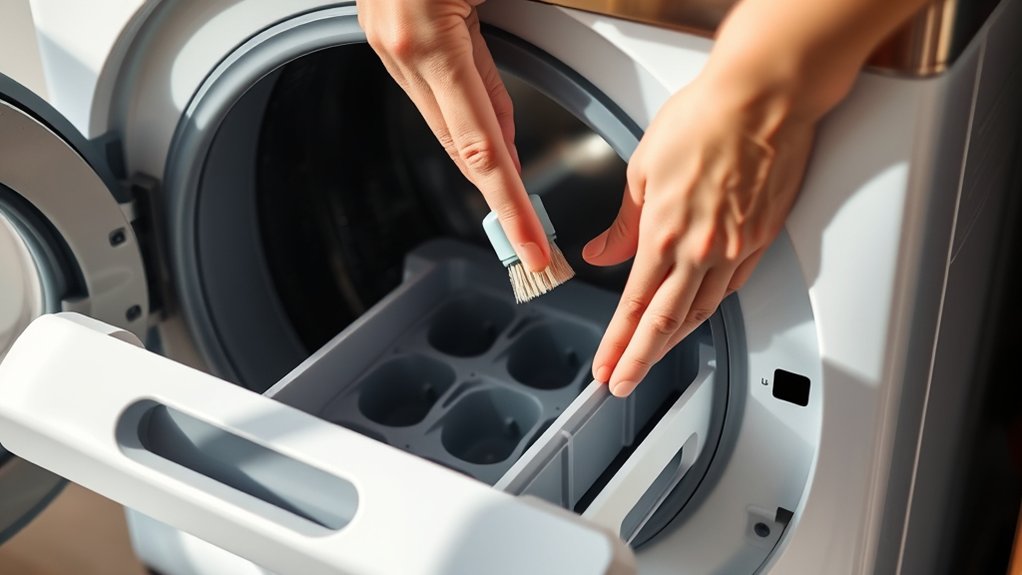
Start by removing the detergent drawer using the release lever.
Then, give it a good rinse under warm water to wash away any residue and buildup.
Next, grab a soft brush and clean all the compartments carefully.
Pay special attention to the corners and channels—that’s where mold and odors like to hide.
Once everything looks clean, make sure all the parts are completely dry before putting the drawer back in.
This will help keep your dispenser working just right.
Detergent Drawer Cleaning
Why does cleaning the detergent drawer matter for your Samsung washing machine’s drum maintenance? A clogged or dirty detergent drawer can cause detergent residue and mold buildup, which may affect the drum’s cleanliness and washing performance.
To clean the detergent drawer, first press the release lever and carefully pull it out. Rinse the drawer thoroughly under warm water to remove detergent residue, mold, and dirt. Use a soft brush to scrub all compartments, focusing on hard-to-reach areas for a complete clean.
For deeper cleaning, soak the drawer in a mixture of warm water and vinegar or mild detergent for 10-15 minutes. After cleaning, rinse again and reinsert the detergent drawer securely into its slot to guarantee proper dispensing and prevent leaks.
This helps support ideal drum maintenance.
Dispenser Maintenance Tips
How do you effectively maintain the detergent drawer and dispensers to guarantee ideal drum cleanliness in your Samsung washing machine? Start by removing the detergent drawer. Press the release lever and pull it out completely.
Rinse the drawer under warm water to eliminate detergent residue and prevent mold buildup. Use a soft brush or toothbrush to clean all compartments thoroughly. Pay close attention to corners and spray nozzles where buildup often occurs.
Next, clean the dispenser housing inside the machine with a damp cloth to remove any accumulated dirt or detergent residue. After ensuring both the drawer and dispenser are spotless, reinsert the detergent drawer securely.
Finally, run a short cycle to flush out any remaining debris. This completes essential dispenser maintenance for maximum drum hygiene. Easy, right? Just a bit of care goes a long way!
How To Remove And Clean The Pump Filter And Drain Hose
Start by finding the pump filter. You’ll usually see it behind a small round cover at the front bottom of your machine.
Before you take it out, it’s a good idea to put a towel or a shallow container underneath. This way, you can catch any water that might spill out.
Once you’ve removed the filter, give it a good clean with a soft brush.
Don’t forget to flush the drain hose too—this helps keep everything clear and prevents blockages.
Locating The Pump Filter
Although the pump filter is hidden behind a small access panel at the bottom front of your Samsung washing machine, locating and removing it is straightforward. First, open the access panel on your front load washer’s base to reveal the pump filter and drain hose.
Before you remove the pump filter, confirm water drainage by gently opening the filter cap or using the drain hose to release any residual water.
To remove the pump filter, turn it counter-clockwise after pulling out the cover. This exposes accumulated debris inside.
When finished cleaning, reassemble by screwing the pump filter back in clockwise, ensuring the seal is tight to prevent leaks.
Finally, securely close the access panel. Proper handling of the drain hose and pump filter is essential for efficient water drainage and maintenance.
Cleaning The Pump Filter
Once you’ve located and removed the pump filter behind the access panel, the next step involves thoroughly cleaning it along with the drain hose.
First, drain water by turning the pump filter counter-clockwise to release any trapped liquid. Use a soft brush or cloth to clean debris and remove lint from the pump filter, guaranteeing no debris buildup remains inside.
Next, inspect the hose for blockages or buildup. Carefully detach the drain hose and rinse out any obstructions to maintain ideal flow.
After cleaning, reassemble the filter by securing it clockwise and firmly replacing the filter cover.
Finally, make sure the drain hose cap is tightly in place. This precise maintenance prevents clogs and prolongs washing machine efficiency.
It’s a simple step that really helps keep things running smoothly.
Maintaining The Drain Hose
Because maintaining the drain hose is essential for preventing leaks and ensuring proper water flow, you’ll need to remove the drain hose cap firmly and check for any debris or blockages.
Next, locate the pump filter, push in, and twist counter-clockwise to remove it for cleaning. Use a soft brush to clear dirt and inspect the impeller for buildup.
After cleaning, reinsert the pump filter by twisting clockwise until locked vertically. Secure the drain hose in its mounted clip before replacing the hose cap to ensure proper drainage and prevent leaks.
| Step | Action |
|---|---|
| Remove Hose Cap | Firmly detach and inspect debris |
| Clean Pump Filter | Twist out, brush filter & impeller |
| Reassemble | Lock filter & secure hose cap |
Daily Tips To Keep Your Washing Machine Surface Clean And Fresh
To keep your Samsung washing machine surface clean and fresh, you should regularly wipe the exterior with a damp, soft cloth to remove dust and detergent residue. Avoid spraying water directly on the washing machine to prevent damage.
After each cycle, leave the door and detergent drawer open to air dry. This helps prevent mold growth inside the drum and compartments.
Use a nonabrasive detergent with your soft cloth for effective cleaning without scratching surfaces. Pay special attention to the door gasket and rubber seal.
Wipe them frequently to remove dirt and moisture buildup that cause odors.
Following these daily tips guarantees your washing machine stays hygienic, maintains its appearance, and operates efficiently. This reduces the risk of mold and prolongs the machine’s lifespan.
What To Avoid When Cleaning Your Samsung Washing Machine Drum
When cleaning your Samsung washing machine drum, you should avoid using abrasive cleaning agents or bleach. These can damage the drum’s surface and rubber components, which you definitely don’t want.
Also, don’t spray water or cleaning solutions directly on the control panel. This can cause electrical damage, and that’s something to steer clear of.
Avoid spraying water or cleaners on the control panel to prevent electrical damage and costly repairs.
Never run the drum cycle with laundry inside or use laundry detergent during cleaning cycles. It just won’t clean the drum properly and could cause other issues.
And be careful not to pull on the rubber gasket or the AddWash door. Forcing them can lead to misalignment or damage, which will cause trouble down the line.
Troubleshooting Common Issues After Drum Cleaning
If odors persist after cleaning your Samsung washing machine drum, make sure you completed the cycle at the recommended temperature of 60°C or 70°C with an empty drum.
Persistent odors often mean there’s still some mold or bacteria hanging around, which might need a few cleaning cycles to fully get rid of.
Take a close look at the rubber gasket and door seal too. Mold can sneak in there even after you’ve cleaned the drum. Wipe and dry those areas really well.
Also, keep the door open after cleaning cycles to let the machine air out and stop moisture from building up.
Don’t forget to check the detergent dispenser, filters, and water hoses as well. Dirt and debris trapped in these parts can cause smells and hygiene problems.
Frequently Asked Questions
Can I Use Bleach or Other Cleaning Agents in the Drum Cleaning Cycle?
Yes, you can use bleach or oxygen-based cleaning agents in the drum cleaning cycle, but only in small amounts, about 10% of the recommended dosage.
Avoid regular laundry detergents during this cycle because they can cause damage or discoloration.
Always follow the manufacturer’s instructions carefully to keep your machine in good shape.
Using approved cleaning agents the right way will help boost the cleaning process without harming your Samsung washing machine drum.
How Often Should I Replace the Washing Machine’s Water Filter?
You should replace your Samsung washing machine’s water filter every six months to keep it running at its best. Think of debris building up like tiny blockades that restrict water flow. This can reduce efficiency and even cause damage.
Make sure to check the filter regularly for clogs or buildup, especially if you notice slower drainage. Staying on top of replacements helps prevent mold and bacteria growth.
This way, your machine runs smoothly and lasts longer, just like Samsung recommends.
Is It Safe to Clean the Drum With Vinegar or Baking Soda?
Yes, you can safely clean the drum with diluted vinegar or a small amount of baking soda. Use vinegar to remove soap scum and odors, but be careful not to overdo it since too much can damage the rubber parts.
Baking soda works as a mild abrasive and won’t harm the drum.
Always run a rinse cycle afterward to clear any leftover residue. It’s a good idea to check your Samsung model’s user manual to make sure these cleaning methods are recommended.
That way, you’ll keep your machine in great shape without any surprises.
Can Drum Cleaning Cycles Damage Delicate Fabrics Left Inside?
Yes, drum cleaning cycles can damage delicate fabrics left inside. Imagine your delicate blouse shrinking or colors fading as it’s exposed to the intense heat of 60°C to 70°C combined with vigorous agitation.
You should always remove all laundry before starting the cycle.
The high temperature weakens fibers, causing warping, tearing, or color loss. To preserve your clothes, run the cleaning cycle empty.
This way, you ensure your fabrics remain intact and vibrant.
How Do I Know When the Drum Cleaning Cycle Is Complete?
You’ll know the drum cleaning cycle is complete when your Samsung washing machine emits a sound or displays a “Finished” message on the panel.
The cycle indicator light will turn off, signaling the end of the process. Some models automatically reset the cleaning reminder LED.
After completion, the machine exits cleaning mode and is ready for normal use. Always check the display panel for confirmation before opening the door.
Conclusion
Now that you know how to clean your Samsung washing machine drum thoroughly, you might think you’ve covered everything. But wait, there’s one essential step that often gets overlooked. It can impact your washer’s longevity and performance.
Ready to discover the secret to truly spotless laundry days? Stay tuned for our next guide. We’ll reveal advanced maintenance tips that will keep your machine running like new, cycle after cycle.
Don’t miss out!