How To Clean A Samsung Washing Machine – Complete Guide
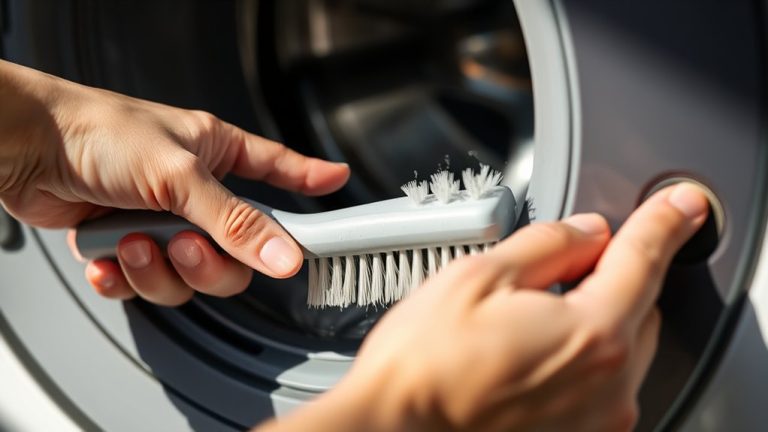
To clean your Samsung washing machine, start by emptying the drum and checking the pump filter for any debris. Next, run the Self-Clean cycle with one cup of bleach. This helps break down grime using hot water and steam.
If your model doesn’t have a Self-Clean cycle, no worries. Just use vinegar or a washing machine cleaner in a hot water cycle instead. After that, wipe down the drum and the door seal to keep everything fresh.
Make sure to keep the door and detergent drawer open after each use. This helps prevent mold from building up. For full maintenance, including care for the filter and hoses, keep reading for detailed steps ahead.
Prepare Your Samsung Washer for Cleaning
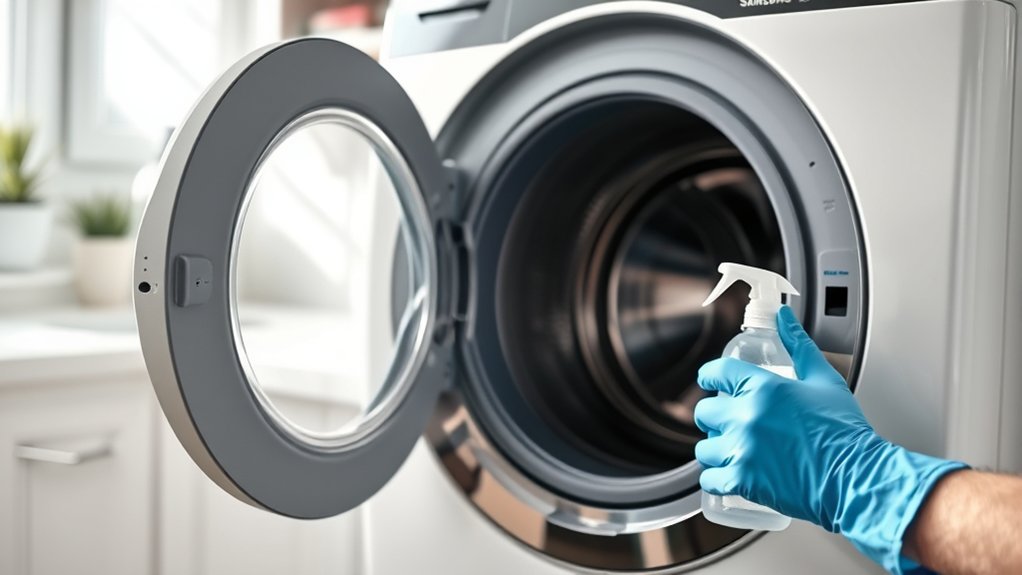
Before you start cleaning your Samsung washer, make sure it’s completely empty to prevent any damage during the cleaning cycle.
To prepare your Samsung washer for cleaning, begin by inspecting and cleaning the pump filter. This step removes lint, debris, and small objects that can clog the system, ensuring maximum drainage and performance.
Next, run a warm or hot water cycle to help reduce soil and detergent buildup inside the drum and pipes.
After each use, leave the washer door and detergent drawer open to air out moisture. This helps prevent mold and mildew growth.
Regularly performing these tasks will help you keep your washer in top condition.
Aim for monthly maintenance to sustain efficiency and prolong the machine’s lifespan. It’s a simple routine that goes a long way in keeping your washer working smoothly.
Run the Self-Clean Cycle With Bleach
After preparing your Samsung washer by emptying the drum and cleaning the pump filter, you can run the Self-Clean cycle with bleach to thoroughly remove buildup and residues.
Add one cup of chlorine bleach directly into the bleach compartment to guarantee effective cleaning.
The Self-Clean cycle lasts about 1 hour and 31 minutes, using hot water and steam to break down dirt and grime.
During the process, the agitator spins to enhance cleaning action. The cycle finishes with a cold water rinse to flush out any remaining bleach and residues.
Make sure to keep the area well-ventilated to manage bleach fumes.
For best results, run this cycle monthly or after every 20 washes to maintain your washer’s cleanliness and prevent odors or buildup.
It’s a simple step that really helps keep your washer fresh and running smoothly.
Clean Your Washer Without a Self-Clean Cycle
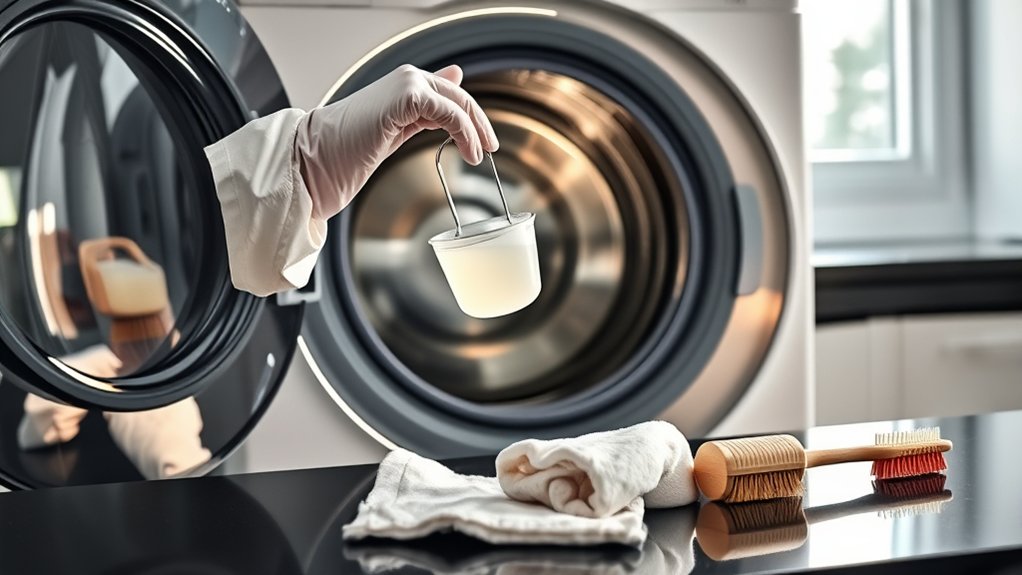
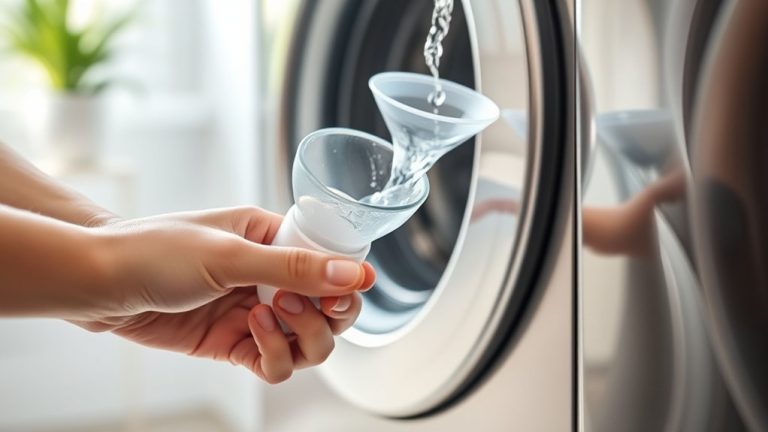
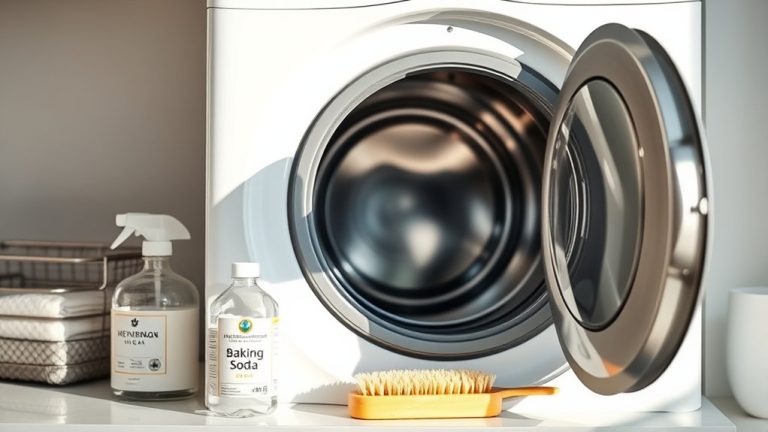
Maintain your Samsung washing machine’s cleanliness by using a washing machine cleaner or a homemade solution when the Self-Clean cycle isn’t available. You can choose a commercial cleaner or mix vinegar or baking soda to tackle buildup and odors effectively.
Run a hot water cycle with this solution to reach all interior surfaces, including hard-to-clean areas.
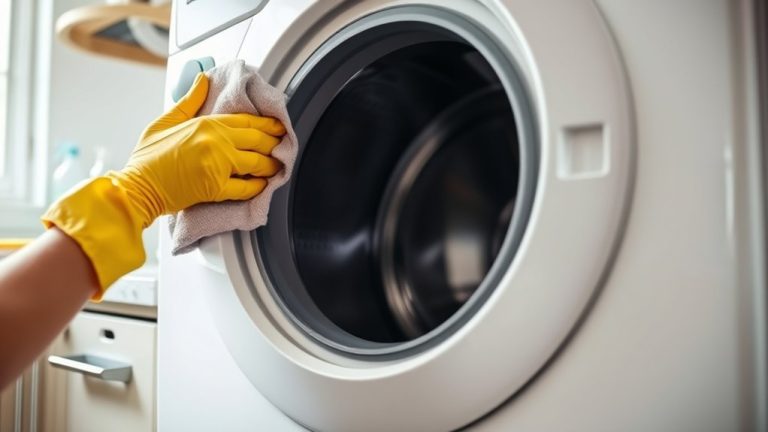
After the cycle, thoroughly wipe the drum and door seal with a damp cloth to remove any residue. Don’t forget to clean the washer pump filter regularly to prevent clogs and maintain proper drainage.
For front load washers, make sure the door is left open after cleaning so the drum can fully clean and dry, which helps reduce mold risk.
Try to do this once a month to keep your washer clean and dry. Doing so guarantees it runs at its best and lasts longer.
Daily Tips to Keep Your Samsung Washer Fresh
Keeping your Samsung washer fresh on a daily basis complements regular deep cleaning routines. Start by verifying the drain pump filter is clean to prevent clogs and odors.
After each cycle, leave the washer door and detergent drawer open to promote airflow and minimize moisture buildup, which can cause mold and mildew.
Leaving the door and detergent drawer open after use helps prevent moisture buildup and mold growth.
Run a warm or hot water cycle occasionally to reduce soil and detergent residue inside the drum and hoses.
Check hidden areas regularly for mold or mildew and address any issues immediately. These daily steps, combined with monthly self-cleaning cycles, maintain washing efficiency and prolong your washer’s lifespan.
Consistent attention to the drain pump and filter guarantees peak drainage and prevents foul smells. This keeps your Samsung washer operating smoothly and fresh.
It’s all about those little habits that really make a difference over time.
Clean the Detergent Drawer and Dispenser
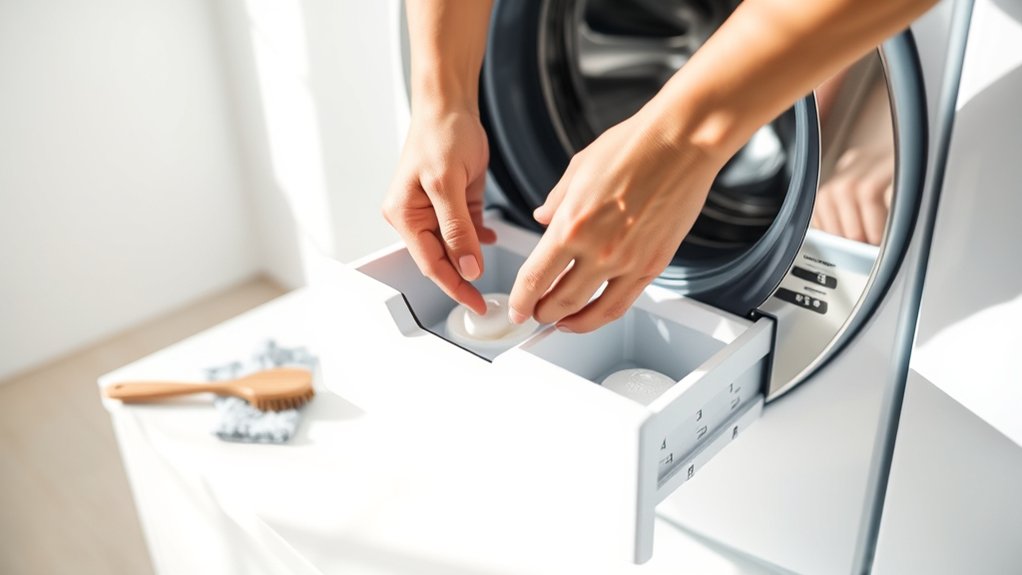
A clean detergent drawer and dispenser are essential to prevent soap buildup and odors in your Samsung washing machine.
To clean the detergent drawer effectively, first remove the drawer completely. Detach the dispensers from the drawer and rinse them thoroughly with warm water to eliminate any detergent residue.
Use a soft brush or non-metallic cloth to scrub the drawer compartments and the opening inside the machine, focusing on areas with visible buildup.
After cleaning, wipe the drawer dry to avoid moisture accumulation that leads to mold.
Reinsert the drawer and dispensers carefully, making sure they align properly with the tracks.
It’s a good idea to do this maintenance at least once a month. This will keep your washing machine working well and help prevent clogs and odors.
Remove Mold and Odors From Your Samsung Washer
Removing mold and odors from your Samsung washer requires regular attention to moisture and residue buildup.
To effectively remove mold and odors, you should run a monthly Self Clean cycle with one cup of bleach in the bleach compartment if mold smells persist. Just make sure the washer is empty before starting the cycle.
After each use, leave the door and detergent drawer open to air out the machine. This helps prevent moisture from building up, which is a major cause of mold and odors.
You should also clean the detergent drawer monthly. Remove the dispensers and rinse them with warm water to get rid of any detergent buildup.
Don’t forget to inspect and clean the pump filter every few months. This keeps the drainage working properly and stops stagnant water from causing bad smells.
Following these steps will keep your washer clean and smelling fresh. Plus, it helps your machine run better and makes laundry day more pleasant.
Clean the Washer’s Exterior and Surface Spots
Once you’ve addressed mold and odors inside your Samsung washer, it’s important to maintain the exterior as well. To clean the washer’s exterior effectively, start by wiping the surface with a mild detergent and a damp cloth. This removes dirt and prevents residue buildup.
For stubborn surface spots, apply a small amount of Cerama Bryte cooktop cleaner, which is gentle enough not to damage the finish.
After cleaning, dry the surface thoroughly with a clean microfiber cloth to avoid watermarks.
Be sure to attend to any spills immediately to prevent long-term stains or damage.
Performing this maintenance monthly is a good idea to keep your washer looking fresh and functioning efficiently. This way, the exterior stays free from blemishes and buildup over time.
Secure Drain Hoses for Proper Drainage
Three key steps guarantee your Samsung washing machine’s drain hose functions correctly: securely placing the drain hose cap, fastening the hose within its mounting clip, and closing the access panel afterward.
These steps ensure secure drain hoses, prevent leaks, and maintain peak performance.
To properly secure your drain hose, firmly attach the drain hose cap to avoid water leaks and guarantee proper drainage.
Then, fasten the hose into its mounting clip to prevent dislodgement during cycles.
After that, close the access panel to protect the hose from damage.
Also, don’t forget to regularly inspect the hose for kinks or clogs that could impair drainage.
It’s a simple check that can save you from bigger problems down the line.
Always consult your user manual for model-specific instructions.
This will help you maintain effective drainage and extend your washer’s lifespan.
Maintain the Washer Pump Filter (Front Load Models)
Start by twisting the pump filter counter-clockwise to remove it from the housing.
Then, use a soft brush to clean away any debris thoroughly.
After that, take a moment to inspect the drain pump impeller for any blockages.
Once everything is clean, simply reinsert the filter and twist it clockwise to lock it securely in place.
Removing The Pump Filter
Twist the pump filter counter-clockwise to detach it from the housing on your front load Samsung washer.
Before removing the filter, place a shallow pan or towel underneath to catch any residual water that may spill out. Carefully pull the filter out once loosened.
When you remove the filter, keep these points in mind: prepare for water drainage to avoid mess.
Use a soft bristle brush to clean dirt and debris off the filter surface. Also, inspect the drain pump impeller inside the housing for blockages.
Make sure to securely twist the filter back clockwise after inspection to prevent leaks.
Following this precise removal process guarantees you clean the filter effectively and maintain your washer’s peak performance.
It’s a simple step that makes a big difference!
Cleaning The Filter Thoroughly
To clean the pump filter thoroughly, begin by removing it from the bottom front of your Samsung front load washer. Be ready for any residual water that may spill.
Use a soft brush to scrub off dirt and debris on the filter. Take a moment to inspect the drain pump impeller for blockages. Then, rinse the filter under warm water to remove all residue.
This guarantees the pump operates efficiently and prevents drainage issues. After cleaning, avoid twisting it clockwise here; that step comes during reinstallation.
| Step | Tool Needed | Purpose |
|---|---|---|
| Remove filter | None | Access pump filter |
| Scrub filter | Soft brush | Remove debris |
| Inspect impeller | Visual check | Identify blockages |
| Rinse filter | Warm water | Eliminate residue |
| Dry and prepare | Cloth or air dry | Ready for reinstalling |
Reinstalling The Pump Filter
Securely reinstalling the pump filter is essential to maintaining your Samsung front load washer’s drainage system. Before you put the pump filter back, make sure it’s clean and free of debris. This helps prevent blockages and keeps everything running smoothly.
Follow these steps to reinstall it properly: Align the filter carefully with the housing. Check that the O-ring seats correctly to prevent leaks. Then, twist the pump filter clockwise until it’s firmly fastened to avoid any operational issues.
Finally, confirm the filter cap is tightly secured to maintain proper drainage functionality.
If you run into any problems or need model-specific guidance, consult your user manual. It usually has helpful instructions or troubleshooting tips.
When and How to Contact Samsung Support for Help
If you run into persistent issues like ineffective cleaning or software glitches despite regular maintenance, you should contact Samsung Support for expert help. Have your model number and purchase date handy for faster service.
You can contact Samsung Support online via chat for immediate troubleshooting or use the Samsung Members App to access guides and warranty details. Always follow maintenance instructions before seeking help to rule out user error.
| Situation | Recommended Action |
|---|---|
| Ineffective cleaning | Contact Samsung Support online |
| Software glitches | Use Samsung Members App |
| Questions on maintenance instructions | Reach out via chat support |
This approach guarantees quick resolution of technical issues, minimizing downtime and protecting your washing machine’s longevity. It’s the best way to keep things running smoothly!
Frequently Asked Questions
Can I Use Vinegar Instead of Bleach for the Self-Clean Cycle?
You shouldn’t use vinegar instead of bleach for the self-clean cycle if you want ideal self clean effectiveness.
While vinegar benefits include being a natural cleaner and a common bleach alternative, it doesn’t disinfect or remove residue as thoroughly as bleach.
To maintain your Samsung washer’s performance and avoid buildup, stick to the manufacturer’s recommended bleach during the self-clean cycle.
Use vinegar only for light, external cleaning tasks outside this cycle.
It’s better to save vinegar for those quick clean-ups rather than relying on it for the deep clean your washer needs.
How Do I Clean the Washing Machine’s Door Seal Thoroughly?
To clean the washing machine’s door seal thoroughly, start by wiping it with a damp cloth and mild detergent. Make sure to focus on the folds to remove any dirt and debris.
If you want to prevent mold, disinfect the seal with a diluted vinegar or bleach solution when needed. Just be careful with the bleach and always rinse well afterward.
Dry the seal completely to avoid moisture buildup. This step is really important because moisture can cause odors and mold.
For regular maintenance, inspect and clean the door seal once a month. Remove any trapped lint or small items you might find.
And here’s a handy tip: always leave the door open after use. This helps reduce humidity and means you won’t have to clean the seal as often.
What Should I Do if My Washer Smells Musty After Cleaning?
If your washing machine has a lingering musty odor after cleaning, don’t fret. It’s a common hiccup.
Start by leaving the door and detergent drawer open to let moisture escape.
Try running a Self Clean cycle with bleach sometimes to banish mold and mildew.
Also, clean the detergent drawer monthly to avoid residue buildup.
Make sure your washer drains properly and sits level. This helps prevent stagnant water, which often causes those unwelcome smells.
Is It Safe to Leave the Washing Machine Door Open After Use?
Yes, it’s safe to leave the washing machine door open after use, as long as the washer is turned off and empty. This helps keep the door safe and secure.
Leaving the door open promotes air circulation, which helps stop mold from building up. It also reduces drainage issues caused by trapped moisture.
Keeping the door slightly open lets the inside dry out completely, which keeps things hygienic and can even make your machine last longer.
Just try not to leave it open in unsafe spots or places where people walk by a lot.
How Often Should I Replace the Washing Machine’s Water Inlet Hoses?
Think of your washing machine’s water hose lifespan like the ticking hands of a clock. You should replace it every 5 to 7 years to prevent leaks.
Watch closely for hose replacement signs such as cracks, bulges, or fraying. These are your early warnings to act.
Using high-quality, reinforced hoses with braided stainless steel will strengthen durability.
Always turn off the water supply before swapping hoses to avoid accidental flooding.
This way, you keep your laundry routine leak-free and stress-free.
Conclusion
By following these steps, you’ll keep your Samsung washing machine running efficiently, much like a well-oiled clockwork from a bygone era. Regular cleaning prevents buildup and guarantees peak performance.
Remember to run self-clean cycles, clean dispensers, and maintain filters diligently. Secure your hoses to avoid drainage issues and wipe down surfaces to keep your washer fresh.
If problems persist, don’t hesitate to contact Samsung support for expert assistance. Your machine’s longevity depends on your proactive care.