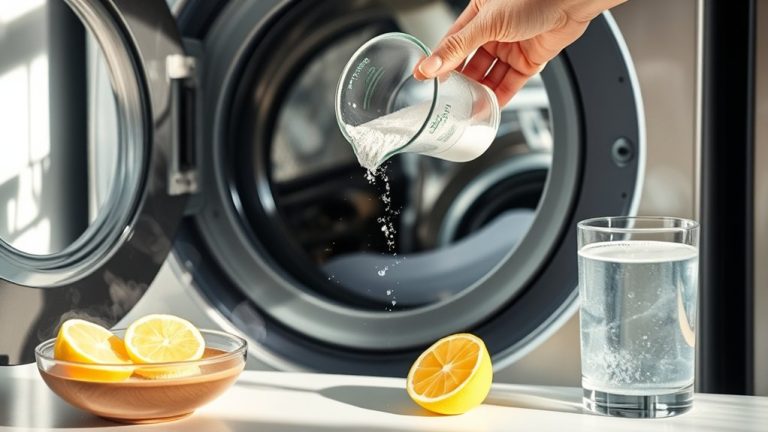
How To Clean Samsung Washing Machine Filter – Easy Guide
To clean your Samsung washing machine filter, first open the front panel’s small cleaning tab located at the lower left. Carefully pull out the drain hose to release any water into a container. Then, turn the filter counterclockwise to remove it.
Rinse off any debris and check for damage. After that, reinstall the filter by turning it clockwise until it’s secure. Doing this regularly every 1-2 months helps prevent mold and odors, and it keeps your machine running at its best.
Keep going to uncover detailed steps and troubleshooting tips for the best results. You’ll find everything you need to make this task quick and easy!
Why You Should Clean Your Samsung Washer Filter
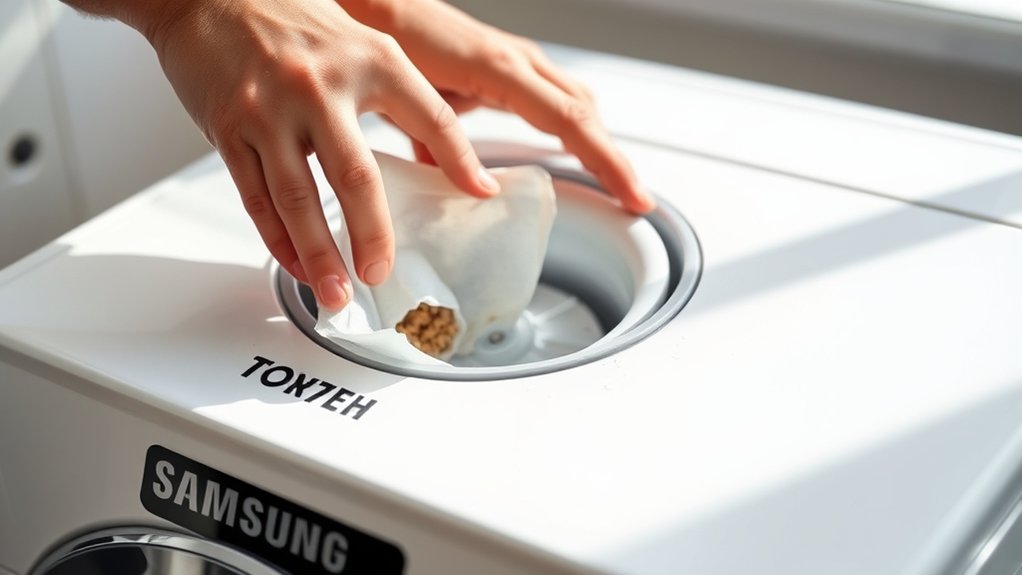
Cleaning your Samsung washer filter every two months is vital to prevent unpleasant odors and keep your machine running at its best.
When you regularly clean the filter, you get rid of trapped debris that can cause mold buildup inside the drum. This helps create a healthier laundry environment.
A clean filter also supports optimal washer performance. It allows water to drain efficiently and keeps your wash cycles consistent.
If you skip cleaning the filter, clogs can happen, which reduce your washer’s functionality and might lead to costly repairs.
Plus, taking care of the filter extends your appliance’s lifespan by preventing strain on its components.
Making this simple task a priority protects your washing machine’s operation. It also keeps your laundry results looking great.
Consistent filter care is a smart step to preserve your Samsung washer’s efficiency and reliability.
Finding the Filter on Your Samsung Washer
You’ll find the filter on most Samsung front loaders at the lower left side, hidden behind a small cleaning tab.
Just open the flap carefully, and you’ll see an attached drain hose. This hose lets you release any excess water.
It’s a good idea to have some paper towels nearby to help manage any spills during the process.
Filter Location Overview
Locating the filter on your Samsung front-loading washer is straightforward. It’s usually positioned on the lower left side, hidden behind a small tab marked for cleaning.
You’ll need to access this filter regularly to guarantee peak washer performance and prevent blockages.
Key points about the filter location include:
- Found on the lower left side of the washer’s front panel
- Concealed behind a small, clearly labeled cleaning tab
- Equipped with a drainage hose to manage water release
- Requires the washer door to be open for safe access
- Use paper towels to catch any water spill during removal
Knowing the exact filter location helps you maintain your washer efficiently.
It also helps you avoid potential water damage during cleaning.
Identifying The Cleaning Tab
After identifying the general area of the filter on your Samsung washer, the next step is to pinpoint the cleaning tab that grants access to the filter compartment.
Typically located on the lower left side of the front loader, this small tab is clearly labeled for cleaning purposes. Its design guarantees quick accessibility, allowing you to easily open the compartment to clean the filter.
Before proceeding, keep the washing machine door open to facilitate proper drainage. The cleaning tab conceals the filter and an attached hose used to manage excess water during maintenance.
Regularly locating and using this cleaning tab is essential to maintaining peak washer performance and preventing unpleasant odors by making sure the filter remains free of debris.
Accessing The Drain Hose
Although the filter is hidden behind a small cleaning tab on the lower left side of your Samsung washer, you need to open this flap first to access the drain hose. The drain hose lets you safely drain water before cleaning the filter, which helps prevent spills.
To do this effectively, start by locating and opening the cleaning tab on the washer’s lower left side. Then, pull out the small drain hose carefully. You’ll want to have a shallow container ready to catch the draining water.
Next, slowly lift the hose to release water in multiple cupfuls. After you’ve drained the water, make sure to securely reinsert the drain hose before removing the filter.
Following these steps guarantees you’ll manage any leftover water efficiently, making the filter cleaning process straightforward and mess-free.
When and How Often to Clean the Filter
You should clean the filter of your Samsung washing machine at least every two months to maintain peak performance and prevent odors. Cleaning the filter regularly helps clean everything inside, reducing mold and debris buildup. This guarantees peak efficiency and extends the appliance’s lifespan.
If you use your washer heavily, increase the cleaning frequency. Monitoring the filter visually between cleanings also helps detect clogs early. It’s a simple way to keep things running smoothly.
| Usage Frequency | Recommended Cleaning Interval | Notes |
|---|---|---|
| Light | Every 2 months | Standard maintenance |
| Moderate | Every 1.5 months | Prevents buildup |
| Heavy | Monthly | Guarantees peak efficiency |
| Visible debris | Immediate | Clean filter promptly |
| Odors or slow drain | Immediate | Indicates urgent cleaning need |
Draining Water From Your Samsung Washer Filter Hose
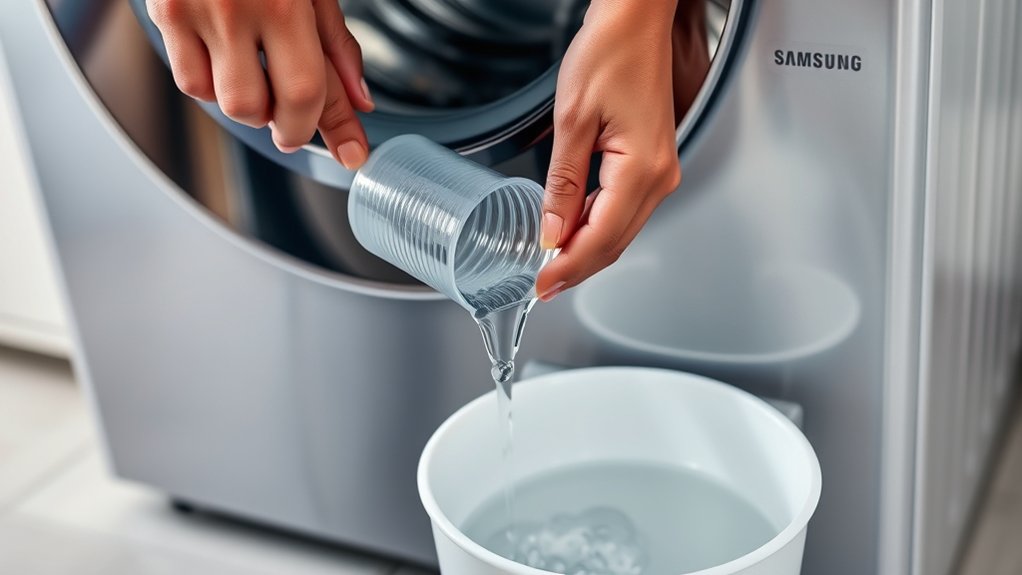
Maintaining a clean filter means you need to drain any water trapped in the washer’s filter hose before you get started.
Carefully remove the hose so you don’t spill water everywhere. You’ll want to use a plastic cup to catch the water as it drains out, which might take a few rounds.
The hose design actually lets you control the flow by lifting it, which makes things easier. It’s a good idea to keep some paper towels nearby to catch any drips or spills.
Once you’ve fully drained the water, make sure to securely reinsert the hose so it seals properly. Then you’re all set to move on to cleaning the filter.
- Remove the filter hose carefully to prevent spills
- Use a plastic cup to drain water in multiple rounds
- Lift the hose to stop or slow water flow
- Keep paper towels handy for residual water
- Reinsert and secure the hose before cleaning the filter
How to Remove the Filter Safely
One essential step in cleaning your Samsung washing machine filter is removing it safely to avoid spills and damage.
First, locate the filter on the lower left side behind a small cleaning tab. Before you remove the filter, detach the hose and drain any residual water into a plastic cup; multiple cupfuls may be necessary.
Locate the filter behind the lower left cleaning tab and drain residual water into a plastic cup before removal.
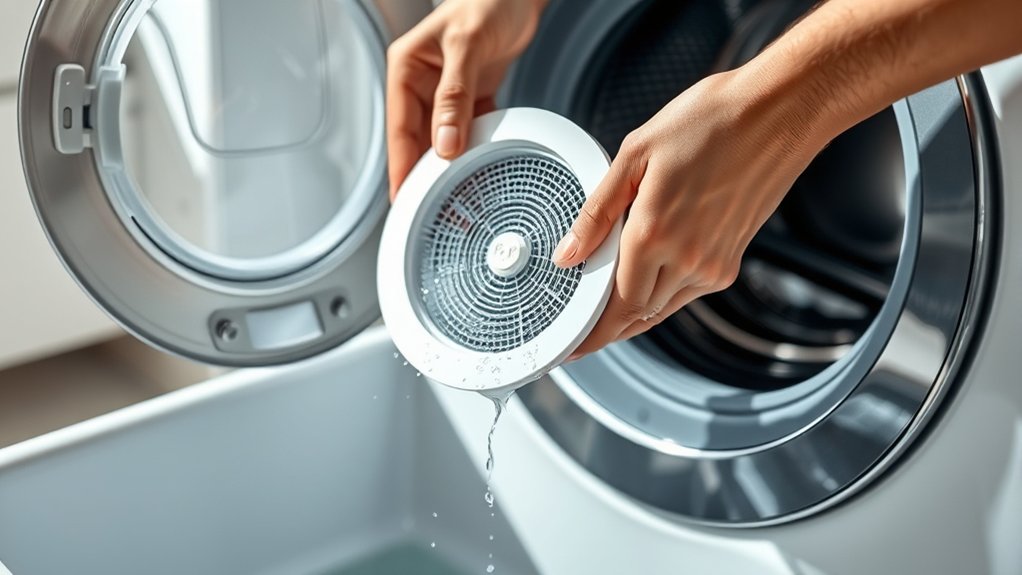
Then, carefully turn the filter counterclockwise to remove it, expecting some residual water to spill. Handle the filter with care to prevent damage. After removing it, you’ll clean it thoroughly, but for now, just focus on safe removal.
Once done, reinsert the filter by turning it clockwise until it stops securely. Finally, close the flap to make sure the filter is properly sealed and ready for operation. Easy, right?
Cleaning and Inspecting the Filter Thoroughly
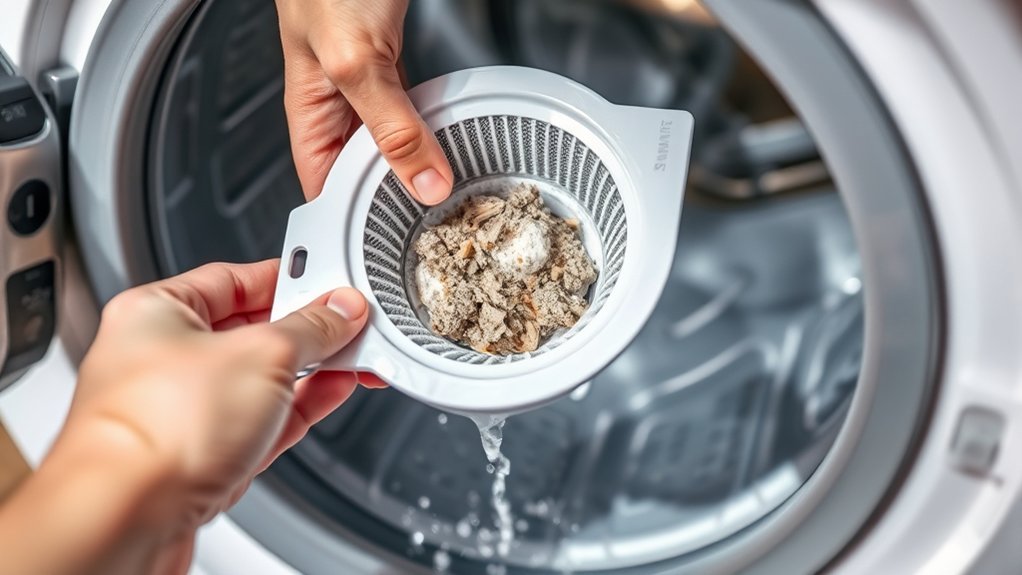
Although removing the filter safely is crucial, thoroughly cleaning and inspecting it guarantees your Samsung washing machine performs efficiently.
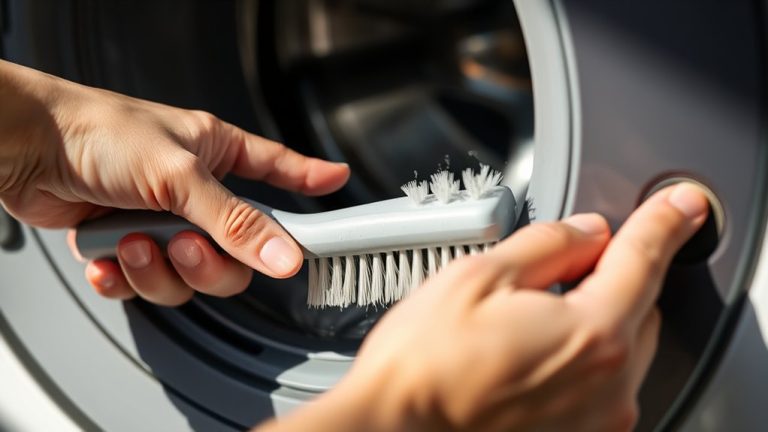
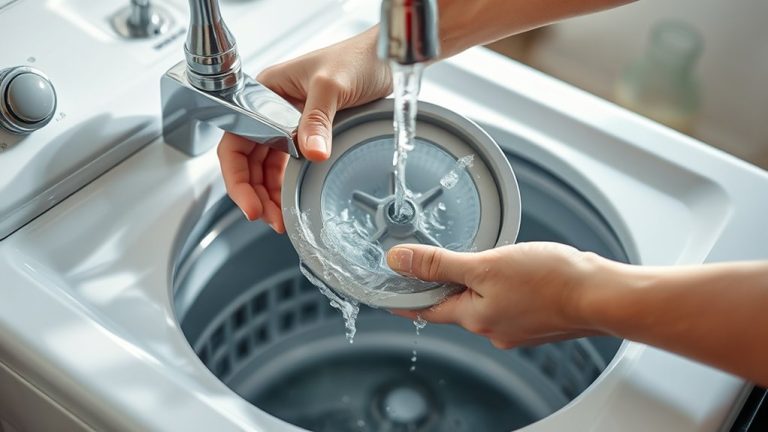
Once removed, focus on eliminating all trapped debris and residue to prevent blockages and odors. Use a paper towel to wipe the filter clean, paying close attention to small crevices where lint and particles accumulate.
Inspect the filter for any signs of damage or wear that could affect its function. To clean and inspect the filter thoroughly, start by removing all visible lint, hair, and debris.
Then, check for cracks or worn areas. If needed, rinse it under running water.
Don’t forget to wipe the surrounding filter housing inside the machine. Make sure no residual dirt remains before you reinstall the filter.
This precise cleaning and inspection process helps maintain peak washing efficiency.
How to Reinstall the Filter Correctly
To reinstall the filter correctly, start by aligning it properly in the lower left opening of the washer.
Once it’s in place, turn the filter clockwise until you hear it click securely. This ensures a tight seal, so you won’t have to worry about leaks.
After that, just close the flap firmly, and you’re all set for smooth operation.
Easy, right?
Align Filter Properly
Begin by aligning the filter carefully with its housing and turning it clockwise until it stops to secure a proper fit. Making sure you align the filter properly is essential to avoid leaks and drainage issues.
Before reinserting, confirm the filter is clean and free of debris to maintain peak washer performance.
After placement, check that the flap covering the filter closes securely to prevent any water escape.
Keep these points in mind:
- Align filter properly to match housing grooves.
- Turn filter clockwise gently until it stops.
- Verify filter is clean and free of debris.
- Make sure the flap over the filter closes tight.
- Run a test cycle to confirm secure fit and function.
This method guarantees a secure fit and smooth operation.
Secure Tight Clockwise
Once the filter is properly aligned and cleaned, you’ll need to reinstall it by turning it clockwise until it locks securely into place.
Begin by inserting the filter into its slot, ensuring it’s fully seated to prevent leaks. Rotate the filter clockwise steadily but avoid overtightening. Excessive force can damage the threads or the filter itself.
Listen carefully for a clicking sound, which confirms that the filter has engaged correctly and is secure. The filter should feel tight enough to hold firmly without wobbling. This ensures ideal washing machine performance.
Properly securing the filter clockwise is essential to maintaining a leak-free seal and avoiding operational issues during use.
This precise step completes the filter’s correct reinstallation.
Close Flap Firmly
Secure the flap firmly after reinserting the filter to maintain a watertight seal. Closing the flap securely is critical to prevent leaks and protect your Samsung washing machine from water damage.
Before closing, make sure the filter is clean, free of debris, and correctly positioned. When you close the flap, you create a tight barrier that avoids moisture buildup, which helps enhance your washer’s longevity.
Always double-check that the filter is locked in place to avoid operational issues during washes. Confirm the filter is clean before reinserting.
Turn the filter clockwise until it stops securely. Check the filter’s alignment before closing the flap.
Close the flap firmly to prevent leaks. Verify the flap is tightly closed for a watertight seal.
Following these steps guarantees your filter is secured and your washer operates efficiently.
Preventing Mold and Odors After Cleaning Your Washer
Although cleaning the filter is essential, preventing mold and odors takes consistent aftercare. After every wash, keep the door open to let air circulate and reduce moisture buildup. This moisture is a main reason mold grows.
Be sure to wipe the rubber door gasket and drum to remove any leftover water and debris. Cleaning the filter regularly, about every two months, helps remove debris too. This keeps your washer running well and lowers the chance of mold.
| Action | Purpose | Frequency |
|---|---|---|
| Keep door open | Promote airflow, prevent moisture | After every use |
| Wipe gasket and drum | Remove water and debris | After every wash |
| Clean filter | Remove debris, prevent mold | Every 2 months |
Stick to these steps, and you’ll keep your Samsung washer smelling fresh and free of mold. It’s easier than you might think!
Running a Pure Cycle to Freshen Your Samsung Washer
Maintaining airflow and cleaning the filter go a long way toward preventing odors and mold. But running a pure cycle offers another layer of cleanliness.
After you thoroughly clean the filter, initiate a pure cycle with hot water and no laundry. This process flushes out residual bacteria and eliminates lingering odors, helping to keep your washer hygienic.
By regularly running a pure cycle, you can remove trapped mold and bacteria inside the drum. It guarantees deeper cleaning beyond the clean filter and prevents odor buildup after each use.
Plus, it enhances longevity by reducing wear from contaminants. This also helps maintain peak washer performance and efficiency.
Incorporate the pure cycle into your maintenance routine to keep your Samsung washer fresh, efficient, and long-lasting.
Fixing Common Problems When Cleaning Your Filter
If water leaks when you remove the hose, make sure you lift it properly to control the flow and drain it into your cup.
If the filter feels stuck, try gently twisting it back and forth to loosen any debris before pulling it out.
These little steps will help you avoid spills and make the whole cleaning process go smoothly.
Water Leakage Solutions
Start by placing a plastic cup under the drainage hose to catch excess water and prevent spills when cleaning your Samsung washing machine filter. Managing water leakage is essential for effective filter cleaning and avoiding messes.
Follow these water leakage solutions for smooth filter maintenance:
Gently lift the drainage hose higher if water continues leaking after removal to control flow. Prepare multiple cups to collect all water trapped in the filter, preventing overflow.
Securely reattach the drainage hose after draining to avoid leaks during operation.
If leaks persist, inspect the hose and filter assembly for clogs or damage. You can also use a towel or cloth around the hose connection for extra leak protection during cleaning.
These steps guarantee efficient filter cleaning and minimize water leakage risks. Just take it slow and steady, and you’ll have it sorted in no time!
Filter Removal Tips
After managing water leakage and preparing your workspace, focus on removing the filter carefully to avoid damage or spills. If the filter is hard to turn counterclockwise, apply steady pressure while stabilizing the surrounding area. Watch for leaks; have a plastic cup ready to catch draining water.
Clear any visible debris around the filter to prevent obstruction. If stuck, gently wiggle while turning to loosen debris. Always reattach the hose securely after cleaning to prevent future leaks.
| Step | Action | Tip |
|---|---|---|
| 1 | Prepare workspace | Use towels & cup for leaks |
| 2 | Stabilize filter area | Hold firmly to avoid damage |
| 3 | Turn filter counterclockwise | Apply steady pressure |
| 4 | Remove filter & clean debris | Wiggle gently if stuck |
Frequently Asked Questions
Can I Use Bleach to Clean the Samsung Washer Filter?
You shouldn’t use bleach to clean the Samsung washer filter because it can damage the filter material and internal components.
For effective filter maintenance, choose alternatives like warm water and mild detergent. These options prevent corrosion and keep your washing machine in good shape without affecting performance.
Regular cleaning with gentle methods helps avoid mold buildup and extends your washer’s lifespan.
It also makes your maintenance routine safer and more efficient.
What Tools Do I Need Besides a Paper Towel?
Besides a paper towel, you’ll need a plastic cup to catch draining water and a small bowl for residual water when removing the filter.
Gloves protect your hands from debris and odors. A flashlight improves visibility behind the filter tab, and a soft brush helps remove stubborn grime.
Following filter maintenance tips and cleaning frequency recommendations prevents common filter issues like clogs and odors.
This way, you can keep your Samsung washer running efficiently without any hassle. It’s all about making the process easier and keeping things working smoothly!
How Do I Know if My Filter Needs Replacement?
You’ll know your filter needs replacement when signs of clogging persist despite thorough cleaning.
Watch for cracks or damage during your regular inspection routine. Any visible wear means it’s time to swap it out.
Stubborn odors and poor drainage are red flags too.
Following filter maintenance tips, always inspect the filter regularly. Catching issues early prevents bigger problems and keeps your washer running efficiently.
Will Cleaning the Filter Affect Washing Machine Warranty?
Cleaning the filter won’t negatively affect your washing machine’s warranty coverage as long as you follow Samsung’s maintenance tips and use proper cleaning methods.
Regular filter cleaning actually supports filter lifespan and overall appliance health, which aligns with warranty requirements.
Just make sure to avoid improper cleaning or neglect, since damage from those can void parts of your warranty.
It’s a good idea to keep records of your maintenance to guarantee smooth warranty claims if issues arise related to the filter or machine.
Can I Clean the Filter if My Washer Is Still Full of Clothes?
Cleaning the filter with clothes still inside is like trying to fix a car while it’s running. It’s risky and inefficient.
For effective filter maintenance tips and washing machine care, always empty your washer first. This guarantees proper drainage and helps avoid water spills or damage.
Skipping this step can make troubleshooting issues more complicated and might disrupt your washer’s cycle.
Conclusion
Cleaning your Samsung washing machine filter isn’t just a chore, it’s a game-changer. Neglecting it can turn your washer into a moldy, odor factory. That can ruin your clothes and stress your wallet.
By regularly draining, removing, and reinstalling the filter precisely, you guarantee peak performance and longevity. Don’t underestimate this tiny component. It’s the unsung hero of your laundry routine.
Stay ahead of problems by keeping your filter spotless. Your washer will thank you with flawless washes every time.