How To Clean Lg Washing Machine Filter – Guide
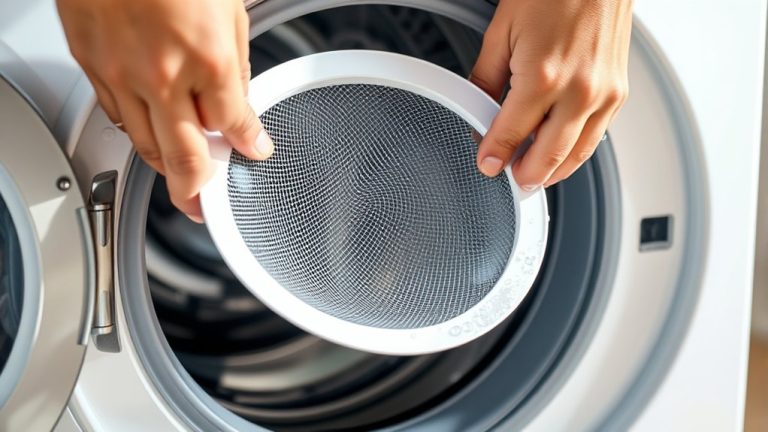
To clean your LG washing machine filter, first turn off and unplug the washer. Locate the drain pump filter behind the lower front access panel by pulling the tab down. Place a towel or pan underneath, then twist the filter counter-clockwise to drain water and remove it gently.
Rinse the filter under warm water. Use a soft brush if needed, and soak it in vinegar to remove any deposits. Once it’s clean, reinstall the filter securely and close the panel.
Finally, run a short cycle to check everything is working properly. Below you’ll find detailed steps and troubleshooting tips.
Why Clean the LG Washing Machine Drain Pump Filter?
Because the LG washing machine drain pump filter traps debris and lint, cleaning it regularly prevents blockages that lead to slow drainage or water backup. You want to avoid the OE error code, which signals drainage issues caused by a clogged filter.
Regular maintenance guarantees your washer drains efficiently, maintaining peak performance.
Cleaning the filter monthly also minimizes the risk of mold and odor buildup caused by trapped debris. Keeping the filter clear protects the drain pump and other internal components from potential damage.
Consistent maintenance and timely cleaning are as crucial as regular recalibration in ensuring optimal appliance performance and longevity.
Locate the LG Washing Machine Drain Pump Filter (Front Bottom Access)
When you’re ready to clean the LG washing machine drain pump filter, start by locating the access panel at the lower front of the washer. This panel hides the drain pump filter, which traps lint, debris, and small objects during wash cycles.
Before you begin, make sure the washer is turned off and fully drained to avoid any water spills.
Ensure the washer is off and completely drained to prevent water spills before starting.
To get to the filter, pull the tab on the access panel downward and outward to open it. Then, unscrew or twist the small cover behind the panel counter-clockwise.
Once the cover is removed, you’ll see the drain pump filter ready for cleaning.
Just follow these steps carefully, and you’ll have the filter cleaned in no time. This will help keep your washer running smoothly without any hitches. Proper maintenance, like regular filter cleaning, is essential to prevent buildup that can affect performance and longevity.
What You’ll Need to Clean the Filter
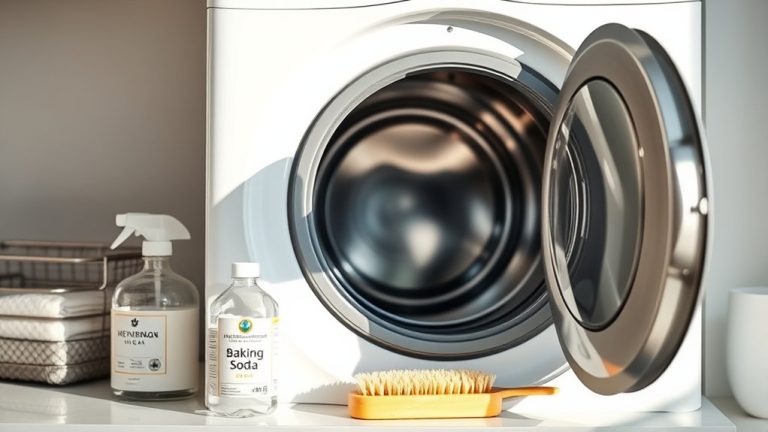
Before you start cleaning the LG washing machine filter, gather essential tools and materials to make the process easier and prevent water spills. Having everything ready helps ensure a smooth, efficient cleaning without any unexpected interruptions.
It’s a good idea to prepare these items ahead of time so you don’t have to stop halfway through to find something. That way, the whole process goes quicker and cleaner.
| Item | Purpose |
|---|---|
| Soft brush or sponge | Remove debris and clean filter surfaces |
| Shallow pan or towel | Catch water spills during filter removal |
| Screwdriver or pliers | Remove filter or inlet hoses if required |
| White vinegar or lime scale remover | Soak filter to loosen mineral buildup |
| Clean cloth or rag | Wipe residual dirt and moisture |
Maintaining consistent equipment calibration can similarly ensure optimal performance and longevity in your washing machine components.
Make sure you have these ready before you begin to avoid any mess or delays during the cleaning.
Access and Drain the Drain Pump Filter Safely
To access the drain pump filter safely, first turn off your LG washing machine and unplug it from the power outlet. This step prevents electrical hazards during maintenance.
Next, open the lower front access panel to locate the filter.
Before removing the filter, place a shallow pan or towel beneath it to catch any residual water.
Keep these points in mind: twist the filter counter-clockwise carefully to unlock it.
Allow water to drain fully into the pan before removal.
Use caution to avoid spillage and make sure the filter is completely loosened before pulling it out.
Following these precautions ensures safe access and drainage, minimizing mess and risk during filter maintenance.
Regular maintenance and calibration of your washing machine helps ensure optimal performance and prevents issues related to drainage.
Remove and Clean the Filter
To remove the filter, just turn it counter-clockwise and let any water drain out.
Then, clear away any debris and lint by hand or use a soft brush if you prefer.
After that, rinse the filter thoroughly with warm water before putting it back in securely.
Filter Removal Steps
Since the washing machine may still contain water, start by switching it off and opening the access panel at the bottom front. Next, place a shallow pan under the drain hose and remove the plug to drain any residual water.
Then, follow these steps to remove the filter: twist the pump filter counter-clockwise to unscrew it. Expect some water to flow out when you do this.
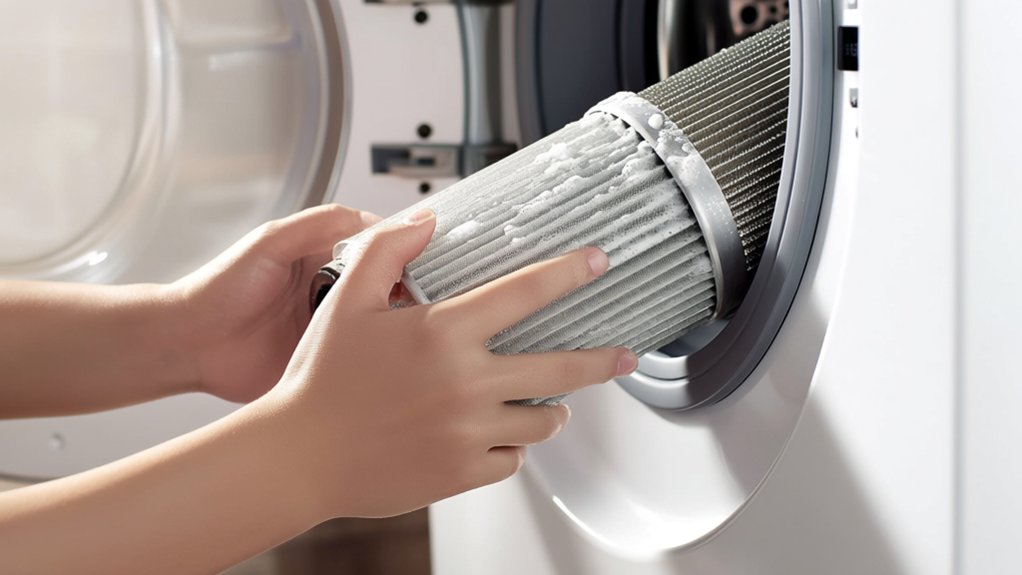
Carefully pull the filter out without spilling water. Remove lint, debris, or lost items using your hands or a soft brush.
After removal, rinse the filter thoroughly under warm water to clear any residue. Make sure the filter is completely clean before reinserting it. This will help keep your washing machine running at its best.
Maintaining consistent temperature stability during operation can also prevent issues related to thermal cycling and prolong the machine’s lifespan.
Cleaning And Maintenance
A clean filter guarantees your LG washing machine operates efficiently and prevents drainage issues. To clean the filter, first turn it counter-clockwise until it fully unscrews from the pump assembly. Be prepared for some water to spill out. Use a towel or shallow container to catch it.
Rinse the filter thoroughly with warm water. Use a soft brush or sponge to remove lint and debris. Check the filter opening and screen for any trapped lint, lost items, or buildup. Clear them out.
Once clean, reinsert the filter into the pump and turn it clockwise until it locks securely in place. Regularly performing this maintenance keeps your machine running smoothly. It also helps avoid costly repairs.
Just as maintaining precise calibration is essential for consistent espresso extraction, regularly cleaning your washing machine filter ensures optimal performance and longevity of your appliance.
Reassemble the Filter and Access Panel
After cleaning the pump filter, insert it back into its slot and turn it clockwise until it locks securely.
Next, reattach the access panel by aligning it properly and pressing it firmly until it clicks or fastens securely. It’s really important to make sure both parts are put back correctly to prevent leaks and keep everything sealed right.
Here’s how you can finish the reassembly:
- Check that the filter is fully seated and tightened.
- Align and press the access panel firmly until it locks.
- Double-check the panel’s closure so you don’t get any water leakage.
Before you plug the washer back in, just make sure everything feels secure. Then, run a short cycle to test the filter and panel for any leaks or errors.
This way, your LG washing machine will be running smoothly after the maintenance. Proper reassembly and sealing are critical for maintaining consistent operation.
Maintain Your Drain Pump Filter and Troubleshoot Issues
Whenever you notice slow drainage or encounter OE error codes on your LG washing machine, regularly maintaining the drain pump filter can prevent these issues.
First, unplug the washer and make sure the tub is drained. Then, position a shallow pan to catch any water that might come out.
Turn the filter counter-clockwise to remove it, and clear out any lint, debris, or trapped items. Give the filter a good rinse with warm water, and use a soft brush to remove any buildup.
If you spot mineral deposits, soak the filter in vinegar before rinsing it again.
Once it’s clean, reinstall the filter securely, check for leaks, and close the access panel properly.
Doing this regularly helps prevent clogs, ensures your washer drains well, and cuts down on error codes.
If problems stick around, try repeating these steps or check your manual for more help.
Frequently Asked Questions
How Often Should I Replace My LG Washing Machine Filter?
You should replace your LG washing machine filter only if it’s damaged or excessively worn. Regularly clean it every month to keep it in good shape and extend its lifespan.
It’s a good idea to check the user manual for specific replacement guidelines. That way, you’ll know exactly when it’s time to swap out the filter based on how much wear or damage it has. Keeping up with this simple routine helps your machine work better for longer.
Can I Use Vinegar to Clean the Filter?
You can use vinegar to clean your LG washing machine filter like a key releasing grime. Soak it for 15-30 minutes, then rinse it thoroughly to prevent any residue.
This natural method dissolves buildup without damaging the filter. It’s a simple and effective way to keep your filter clean. Just make sure not to soak it too long!
What if My Washing Machine Filter Is Leaking?
If your washing machine filter is leaking, tighten it snugly clockwise without over-tightening.
Take a close look for cracks, damaged gaskets, or seals that might be out of place.
If you find any faulty parts, go ahead and replace them. This will help ensure a proper, leak-free seal and a secure fit.
Will Cleaning the Filter Improve Washing Machine Smell?
Yes, cleaning the filter improves your washing machine’s smell by removing trapped lint, detergent residue, and mold. This prevents odor buildup, enhances airflow, and stops bacteria growth. It keeps your machine fresh and odor-free.
Can a Clogged Filter Cause the Washer to Stop Mid-Cycle?
A clogged filter is the hidden brake that can force your washer to stop mid-cycle. You’ll want to clean it regularly to guarantee smooth drainage, prevent sensor-triggered halts, and keep your machine running efficiently.
It’s a simple step but can save you a lot of hassle. When the filter gets blocked, water can’t flow properly, and the washer might think there’s a problem. That’s when it decides to pause or stop altogether. Keeping the filter clear helps your washer do its job without interruptions.
Conclusion
By regularly cleaning your LG washing machine drain pump filter, you’ll keep your machine running smoothly and avoid costly repairs. Think of it like tuning a vintage clock—precise and necessary. Don’t skip this simple maintenance step.
Follow the guide carefully: locate, drain, remove, clean, and reassemble the filter. Staying proactive prevents blockages and guarantees efficient drainage.
Keep your washer in top shape with routine filter care. You’ll save time and frustration down the line.